Cancel an assessment
Learn how to cancel an assessment's processing. Follow the steps to cancel from the Portfolio view, add an audit comment, and understand what happens to workflow state, results, and data kept after cancellation.
If an assessment is no longer needed, you can cancel it to stop any further processing.
When you cancel an assessment:
The assessment workflow stops immediately.
No more evaluation runs.
Any results or data already created are kept.
Canceling an assessment doesn't delete it. The assessment remains available for reference, but it's no longer active.
To cancel an assessment:
In the Portfolio view, select the entity name to open the entity page.
Select .

Optionally, add a comment in the Add a comment box. This comment is recorded in the entity's audit report.
Select .
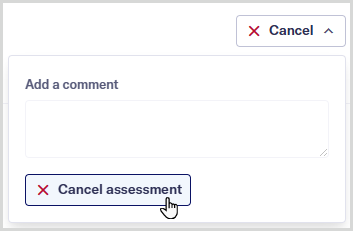
Once canceled, the assessment's workflow state changes to canceled, and no further work is done. The assessment outcome updates to the canceled outcome defined in the assessment template.