Change your display language
Abstract
Learn how to change the platform's display language.
The English language view is the most accurate and should be used to resolve any issues. Support is provided in English.
To change your display language in the platform:
Open the Change language menu in the header bar.
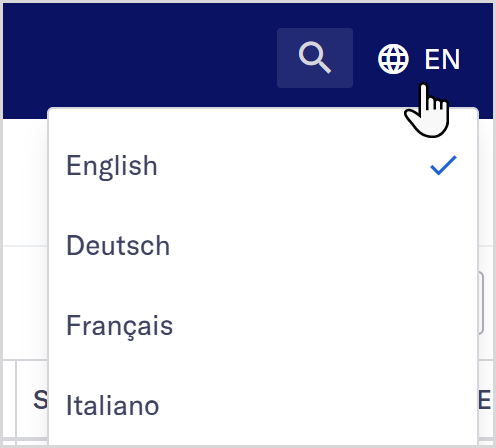
Select your preferred language from the list of options.
Note
The English language view is the most accurate and should be used to resolve any issues. Support is provided in English.
Your language selection is remembered and displayed by default the next time you sign in.
On-screen text, such as button labels and dialog boxes, is displayed in your selected language. Responses from your data providers aren't translated as they come from sources outside our system.