Add a note to a task
Abstract
Learn how to add a note to a task to capture context and share information with your team.
Use task-level notes to record observations and decisions for a specific task on an entity. To add a note at the entity level, see Add a note to an entity.
To add a note to a task:
On the task page, select the button.

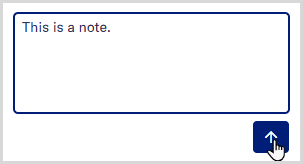
Type your text in the Add a note box.
Select the button.
Your note appears at the top of the task's notes panel, showing your username and the date and time it was added. The note is also recorded as an action on the task in the audit report.
Select to hide the notes panel and return to the main view.